
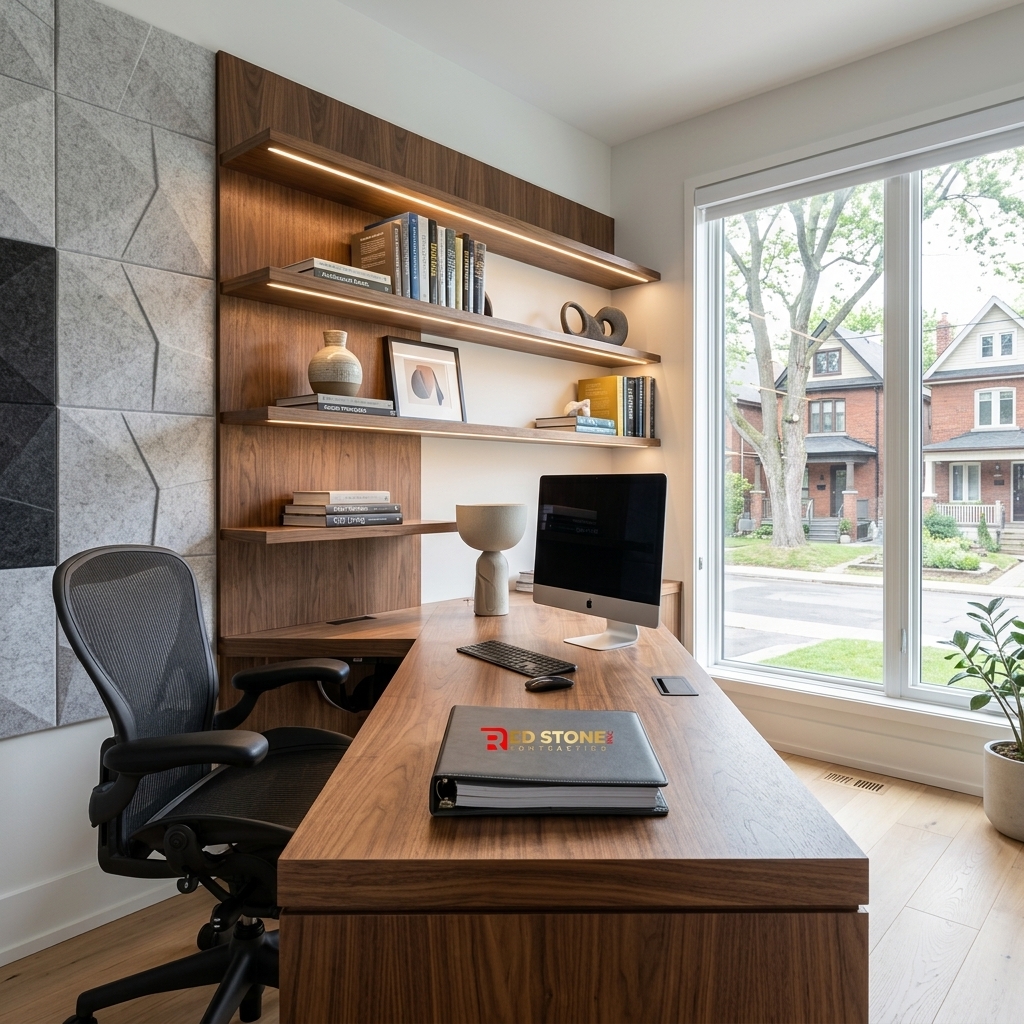
The way we work has fundamentally changed — and for millions of Toronto professionals, the home office is no longer a temporary pandemic arrangement but a permanent feature of their work life. Yet most home offices remain hastily assembled setups: a spare bedroom with a folding table, a dining room corner with tangled cables, or a basement with poor lighting and no soundproofing. A professional home office renovation toronto project transforms these improvised workspaces into purpose-built, productivity-optimized environments with built-in desks, proper electrical infrastructure, soundproofing, ergonomic lighting, and the kind of polished, professional backdrop that inspires focused work and impresses clients on video calls. This comprehensive 2026 guide covers every aspect of a dedicated home office renovation with realistic costs, design strategies, and practical solutions for Toronto homes of every size.
Why a Dedicated Home Office Renovation Toronto Professionals Need
Working from a makeshift desk in a shared living space is not just uncomfortable — it is measurably less productive. Research consistently demonstrates that dedicated, purpose-designed workspaces improve focus, reduce distractions, and increase daily output by 15 to 30 percent compared to improvised setups. For professionals earning $80,000 to $150,000 annually, even a 10 percent productivity improvement translates to $8,000 to $15,000 in additional value per year — making a $10,000 to $25,000 home office renovation one of the highest-return investments a remote worker can make.
Beyond productivity, a dedicated home office provides crucial work-life separation. When your office has a door that closes, a dedicated workspace that you physically enter at the start of the workday and leave at the end, the psychological boundary between professional and personal life is dramatically clearer. This separation is consistently cited by psychologists as one of the most important factors in preventing remote-work burnout — a growing concern among Toronto’s large remote and hybrid workforce.
Built-In Desk and Shelving: The Heart of the Home Office
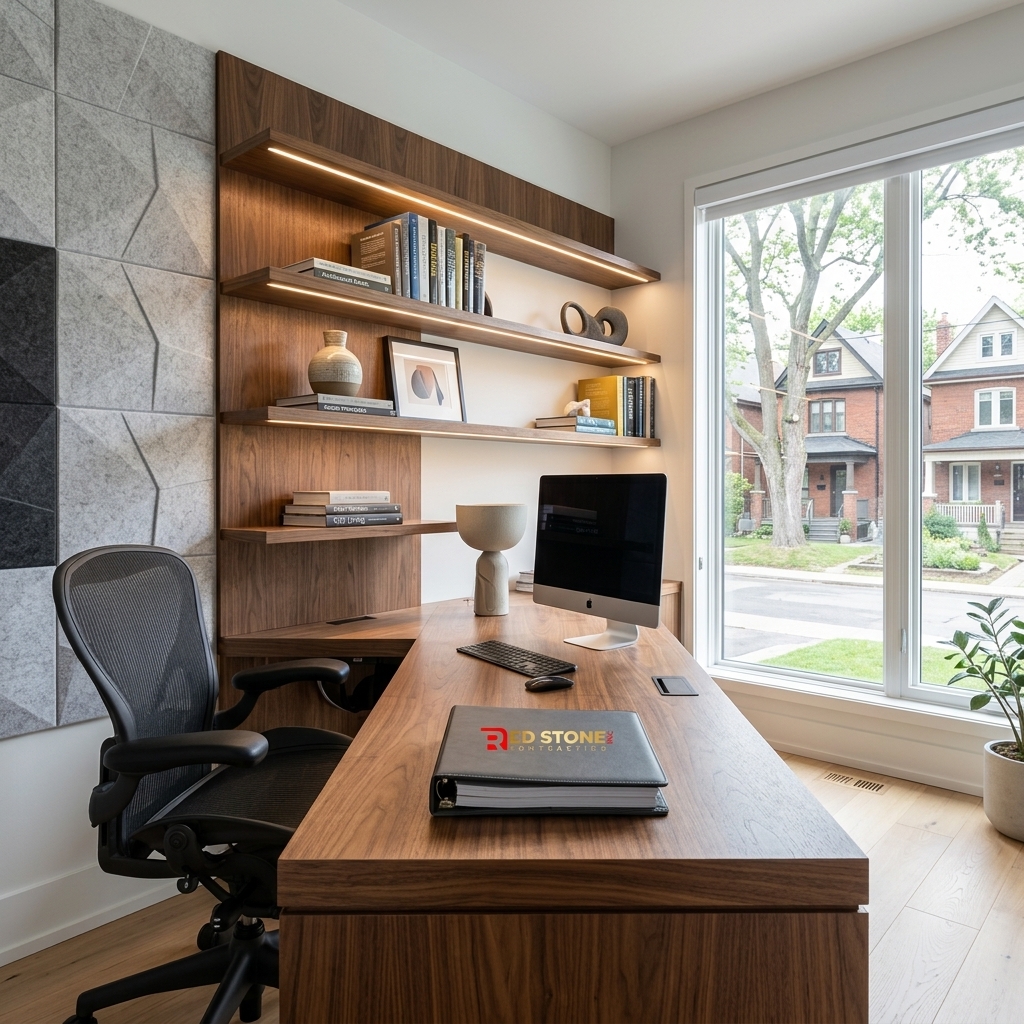
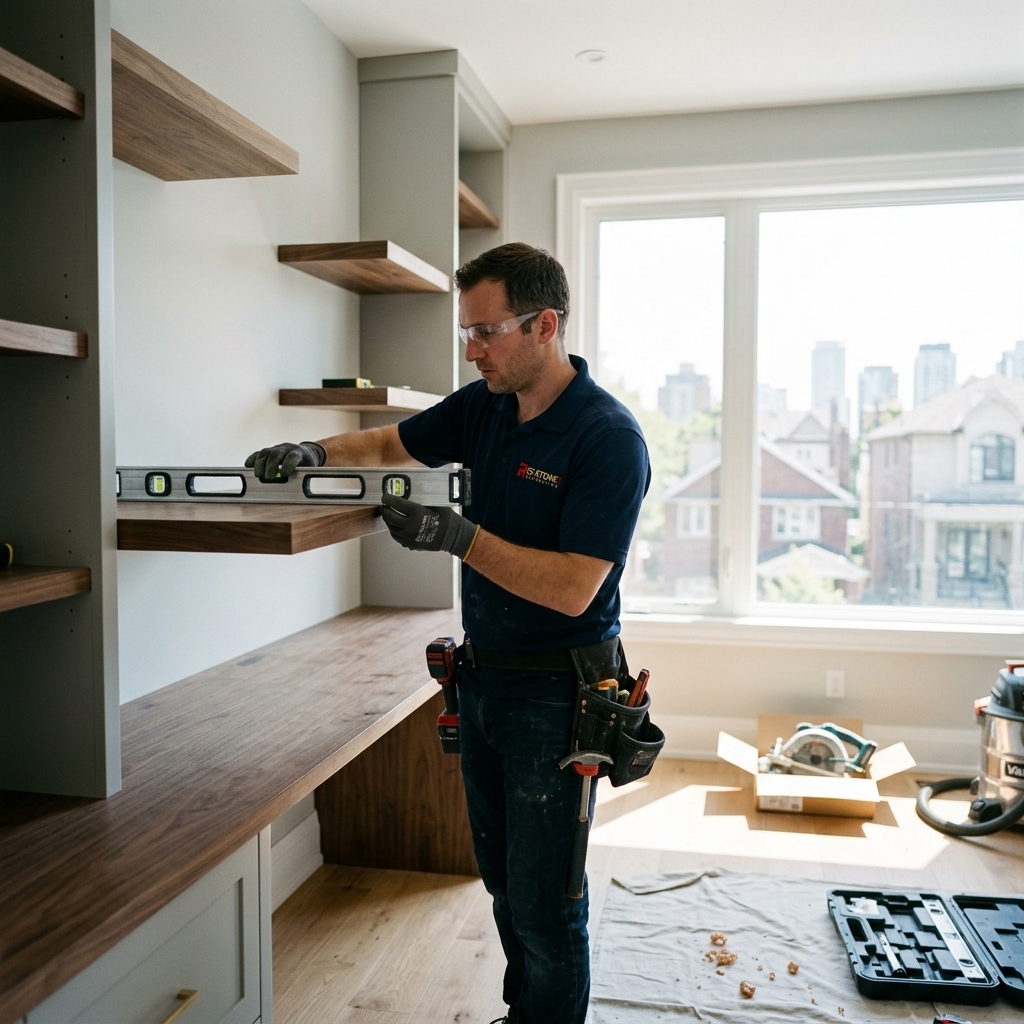
A custom built-in desk is the centerpiece of a professional home office renovation — and the feature that most dramatically distinguishes a purpose-built office from a furniture-based setup. Unlike freestanding desks, a built-in desk is custom-designed to fit the exact dimensions of your office, maximizing usable workspace while integrating cable management, power distribution, and storage into the design.
| Built-In Desk Feature | Purpose | Estimated Cost |
|---|---|---|
| Full-Width Wall-to-Wall Desk | Maximum workspace — typically 6 to 10 feet wide, 24 to 30 inches deep | $2,000 – $5,000 |
| Integrated Cable Management Tray | Conceals power cables, USB hubs, and chargers below the desk surface | $200 – $500 |
| Desktop Power and USB Outlets | Flush-mount or pop-up outlets in the desk surface for convenient device charging | $150 – $400 per unit |
| Floating Shelves Above Desk | Display storage for books, awards, decor, and video call backdrop curation | $300 – $800 per shelf |
| Under-Desk File Drawers | Concealed document and supply storage with soft-close hardware | $500 – $1,200 per unit |
| Monitor Arm Mounting Plate | Reinforced section of desk for dual-monitor arm attachment | $100 – $300 |
A complete built-in desk and shelving system — including a walnut or white-oak desktop, integrated cable management, floating shelves, and under-desk storage — typically costs $4,000 to $10,000 depending on the wood species, finish, and complexity of the design. This investment replaces a $500 to $1,500 freestanding desk that was never designed to fit your space and lacks integrated infrastructure. The visual impact of a professional built-in desk on video calls is substantial — clients and colleagues immediately perceive a difference in professionalism when they see a polished, purpose-built workspace versus a generic furniture setup.
Soundproofing: The Most Overlooked Home Office Upgrade
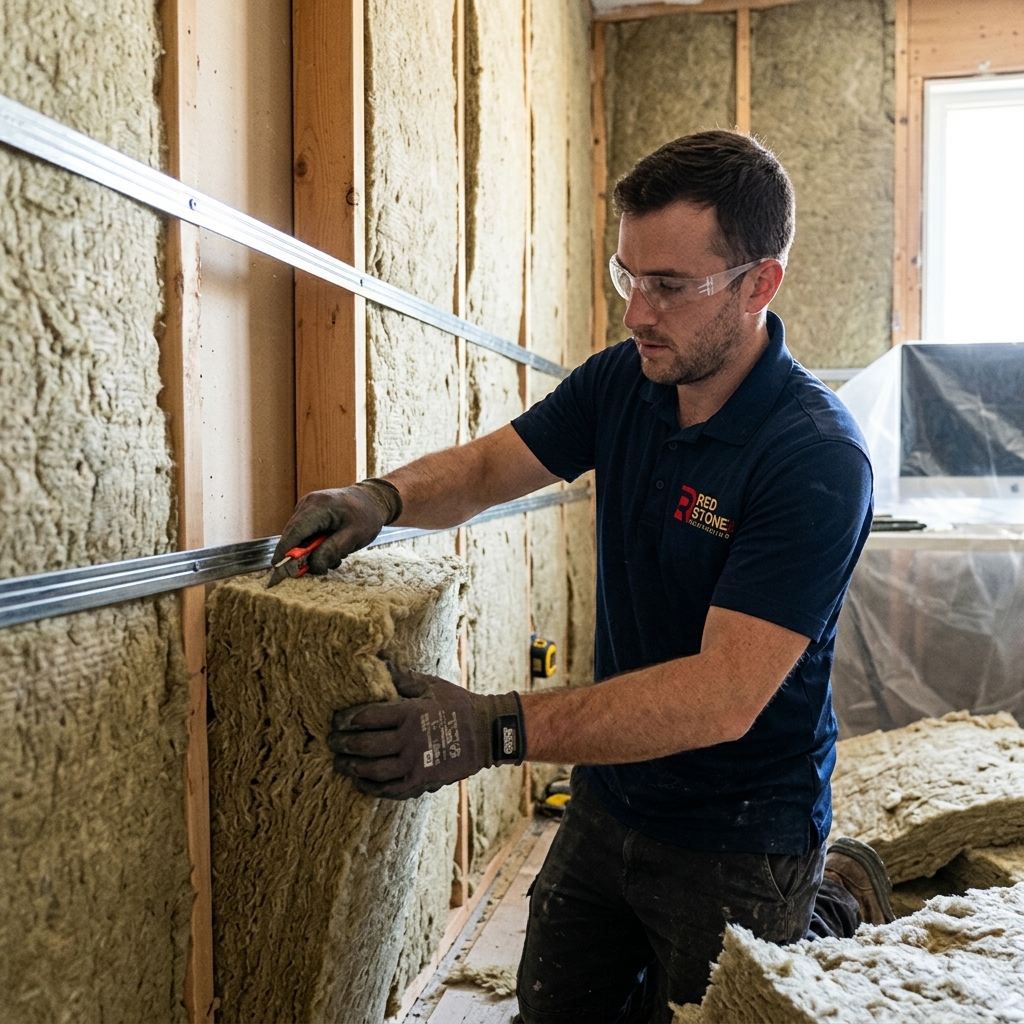
For professionals who spend significant time on video calls, phone consultations, or focused deep work, soundproofing transforms a home office from a functional workspace into a professional-grade environment. Standard interior walls in Toronto homes (single layer of drywall on each side of wood studs with no insulation) transmit sound freely — meaning your partner’s cooking, children’s play, or dog’s barking bleeds directly into your office and onto your calls.
| Soundproofing Method | STC Rating Improvement | Cost | Best For |
|---|---|---|---|
| Mineral Wool Insulation (Roxul) in Wall Cavities | +5 to +8 STC points | $3 – $5/sq ft | Essential baseline — fills the empty wall cavity that currently acts as a sound drum |
| Resilient Channel + Second Layer of Drywall | +8 to +12 STC points | $5 – $10/sq ft | Decouples the wall surface from the framing, significantly reducing sound transmission |
| Mass Loaded Vinyl (MLV) Barrier | +5 to +10 STC points | $2 – $4/sq ft | Adds mass to the wall assembly — can be layered with other methods |
| Acoustic Caulk at All Seams and Penetrations | +3 to +5 STC points | $200 – $500 per room | Seals the sound leaks that undermine all other soundproofing investments |
| Solid-Core Door with Perimeter Seal | +10 to +15 STC points vs hollow door | $400 – $1,000 | The single most impactful upgrade — hollow interior doors transmit sound freely |
A comprehensive soundproofing upgrade for a standard 10-by-12-foot home office — including mineral wool insulation in all shared walls, resilient channel and a second layer of drywall, acoustic caulk at all penetrations, and a solid-core door with perimeter weatherstripping — typically costs $3,000 to $6,000. This investment achieves an STC (Sound Transmission Class) rating of 45 to 55, which is comparable to a professional office suite and virtually eliminates conversational-level sound transmission through the walls.
Electrical Infrastructure for the Modern Home Office
Most spare bedrooms in Toronto homes have a single 15-amp electrical circuit shared with adjacent rooms, and two or three wall outlets — completely inadequate for a professional office with multiple monitors, a desktop computer, a printer, task lighting, a phone charger, and potentially a space heater or air purifier. A proper home office electrical upgrade includes a dedicated 20-amp circuit run directly from the electrical panel, a minimum of six to eight outlets placed at desk height and along the walls, two to four USB-A and USB-C charging outlets integrated into the desk or wall plates, and dedicated circuits for any high-draw equipment.
Hardwired Ethernet is essential for professionals who rely on stable internet for video conferencing, cloud-based applications, or file transfers. While WiFi has improved significantly, it remains susceptible to interference, bandwidth sharing, and latency spikes that cause video freezes and audio dropouts during important calls. Running a Cat6a Ethernet cable from your router to your office during a renovation costs $200 to $500 and provides a gigabit-capable connection with zero wireless interference — a permanent solution to the connectivity frustrations that plague WiFi-dependent home offices.
Lighting Design for Productivity and Video Calls
Proper office lighting serves three distinct functions: ambient illumination for the overall room, task lighting for the desk surface, and video-call lighting for your face. A comprehensive lighting design includes recessed LED pot lights on a dimmer for ambient illumination, an adjustable desk lamp with a colour temperature of 4000K to 5000K for focused task work, and a window positioned to provide natural light from the side (not from behind, which creates silhouettes on video calls, and not from the front, which causes glare on monitors).
For professionals who appear on camera frequently, a dedicated ring light or panel light mounted on the wall behind the monitor provides consistent, flattering illumination that dramatically improves video quality. When combined with the curated backdrop created by floating shelves, artwork, and intentional decor, a purpose-built home office produces a professional on-camera presence that matches or exceeds a traditional corporate office environment.
Flooring Options for Home Offices
The right flooring in a home office balances comfort, acoustics, and professional appearance. Hardwood flooring — particularly engineered hardwood in walnut, oak, or maple — provides a warm, professional look that photographs beautifully on video calls and is easy to maintain. For added comfort during long work days, a high-quality area rug under the desk and chair provides cushioning and sound absorption without obscuring the hardwood underneath.
Luxury vinyl plank (LVP) is an excellent alternative that provides a hardwood appearance at approximately half the cost, with superior scratch resistance for rolling office chairs. Cork flooring offers natural acoustic dampening properties that reduce sound transmission to rooms below — particularly valuable for second-floor offices — and provides a comfortable, slightly cushioned surface that reduces fatigue during extended standing desk sessions. Carpet, while comfortable, is generally not recommended for home offices because rolling desk chairs damage carpet fibres over time, and carpet collects dust and allergens more readily than hard-surface flooring.
Storage and Organization Solutions
A professional home office requires storage that conceals the clutter of daily work while keeping essential items accessible. Built-in cabinets with solid or glass-panel doors provide closed storage for files, supplies, and equipment that would otherwise create visual chaos. A purpose-built printer enclosure — a cabinet with a pull-out shelf for the printer, a ventilation panel, and cable pass-throughs — keeps the printer accessible but hidden when not in use. Bookshelves flanking the desk or wrapping a corner provide display storage for professional references, industry awards, and curated decor that contributes to a polished video-call backdrop. For professionals who handle physical paperwork, a built-in lateral file drawer integrated into the desk pedestal provides secure, organized document storage without requiring a separate filing cabinet that consumes floor space.
Climate Control and Comfort
Home offices in converted spare bedrooms often suffer from temperature inconsistencies — too cold in winter because they are at the end of a long HVAC duct run, and too warm in summer because they receive direct afternoon sun. A ductless mini-split heat pump dedicated to the office provides independent temperature control year-round, costs $3,000 to $5,000 installed, and operates quietly enough to be imperceptible on video calls. Alternatively, extending your existing HVAC system with a dedicated supply duct and a zone damper costs $800 to $2,000 and provides meaningful improvement without a separate system. For a comprehensive approach to integrating your office into your home’s heating and cooling system, consider the strategies outlined in our energy retrofit guide.
How much does a home office renovation cost in Toronto?
Is soundproofing a home office worth the cost?
What is the best desk material for a built-in home office?
Should I add a dedicated electrical circuit for my home office?
Can a home office renovation increase my home’s resale value?
Build Your Perfect Home Office with Red Stone Contracting
Your home office should be the most productive room in your house — a space that inspires your best work, impresses your clients, and provides the comfort and quiet you need to focus. Our team designs and builds custom home offices with built-in desks, professional-grade soundproofing, ergonomic lighting, and the thoughtful infrastructure that makes working from home feel like working in a premium office — because it is one.
Call us today at (905) 901-1006 or book your home office consultation online.
Red Stone Contracting delivers custom home office and renovation solutions across Toronto, Oakville, Burlington, and Mississauga. We build workspaces that perform as beautifully as they look — quiet, connected, and designed for your career.